


Product Description
SPECIFICATIONS
Active Noise-Cancellation: PASSIVE
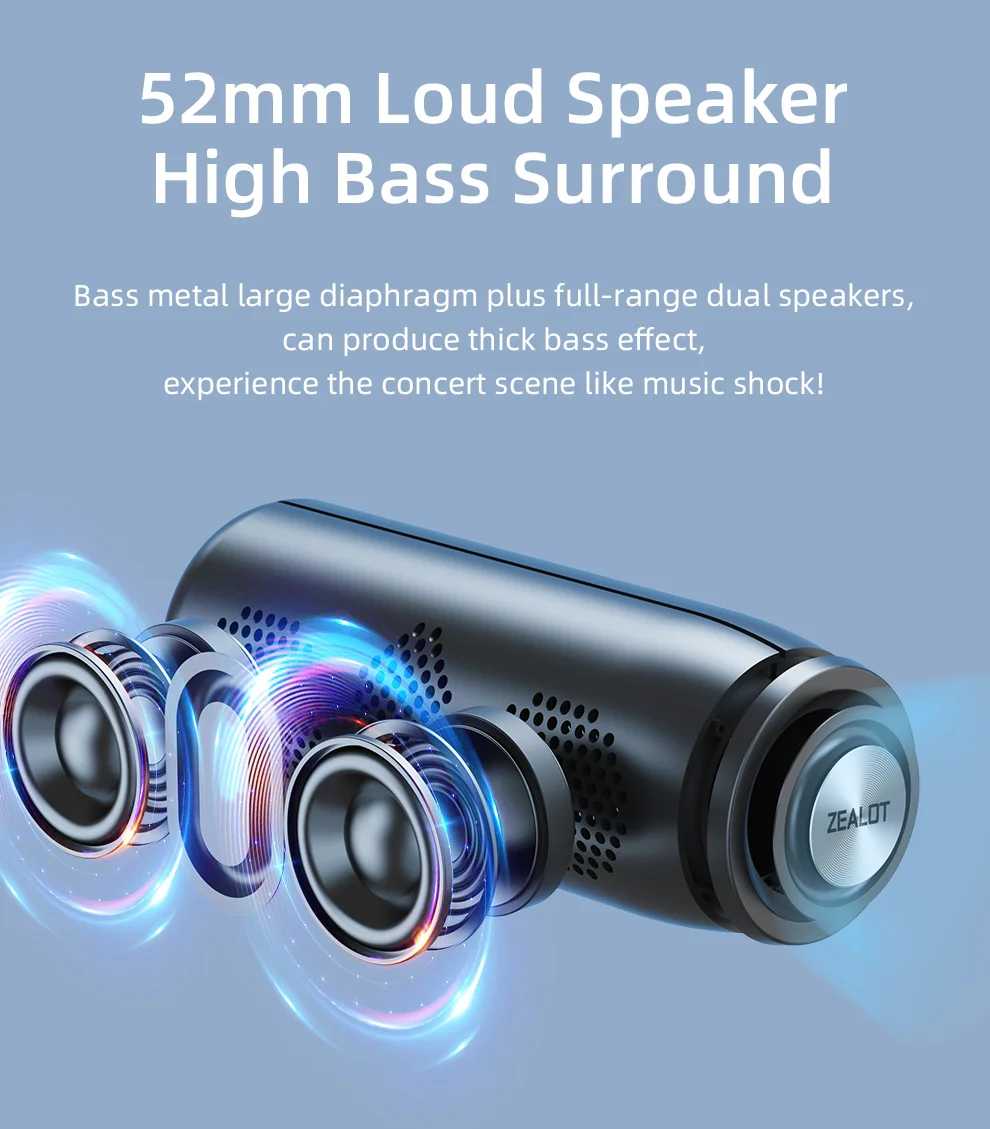
Audio Crossover: Full-Range
Battery: Yes
Bluetooth Version: 5.3
Brand Name: ZEALOT
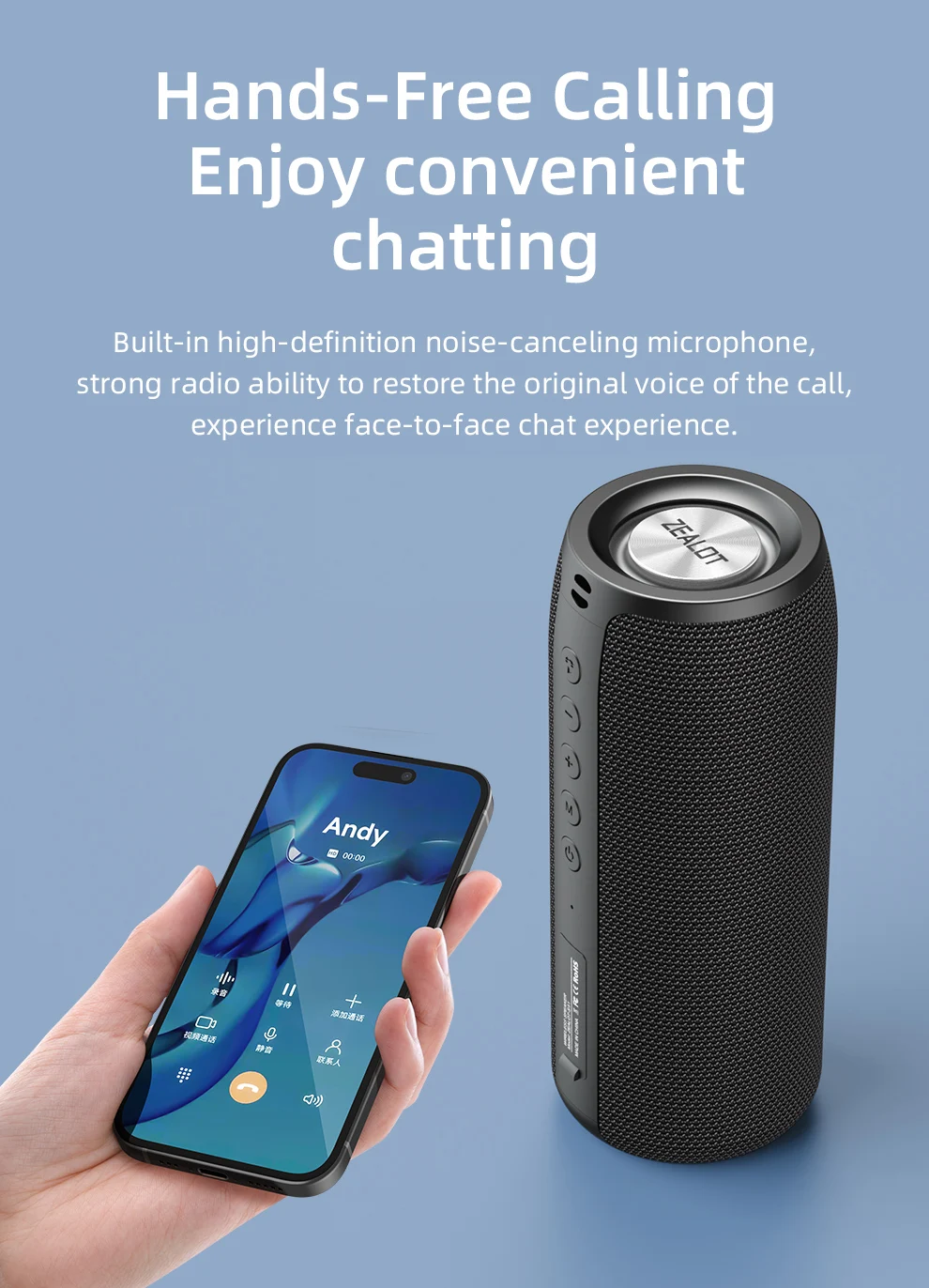
Built-in Microphone: Yes
Cabinet Material: Plastic
Category: Speakers
Certification: CE
Channels: 1
Communication: Bluetooth
Display Screen: No
Feature: Wireless subfoofer
Frequency Range: 20Hz-2KHz
High-concerned chemical: None
Impedance: 2 Ohm
Inbox adaptor: No
Input Power(W): 25-49 W
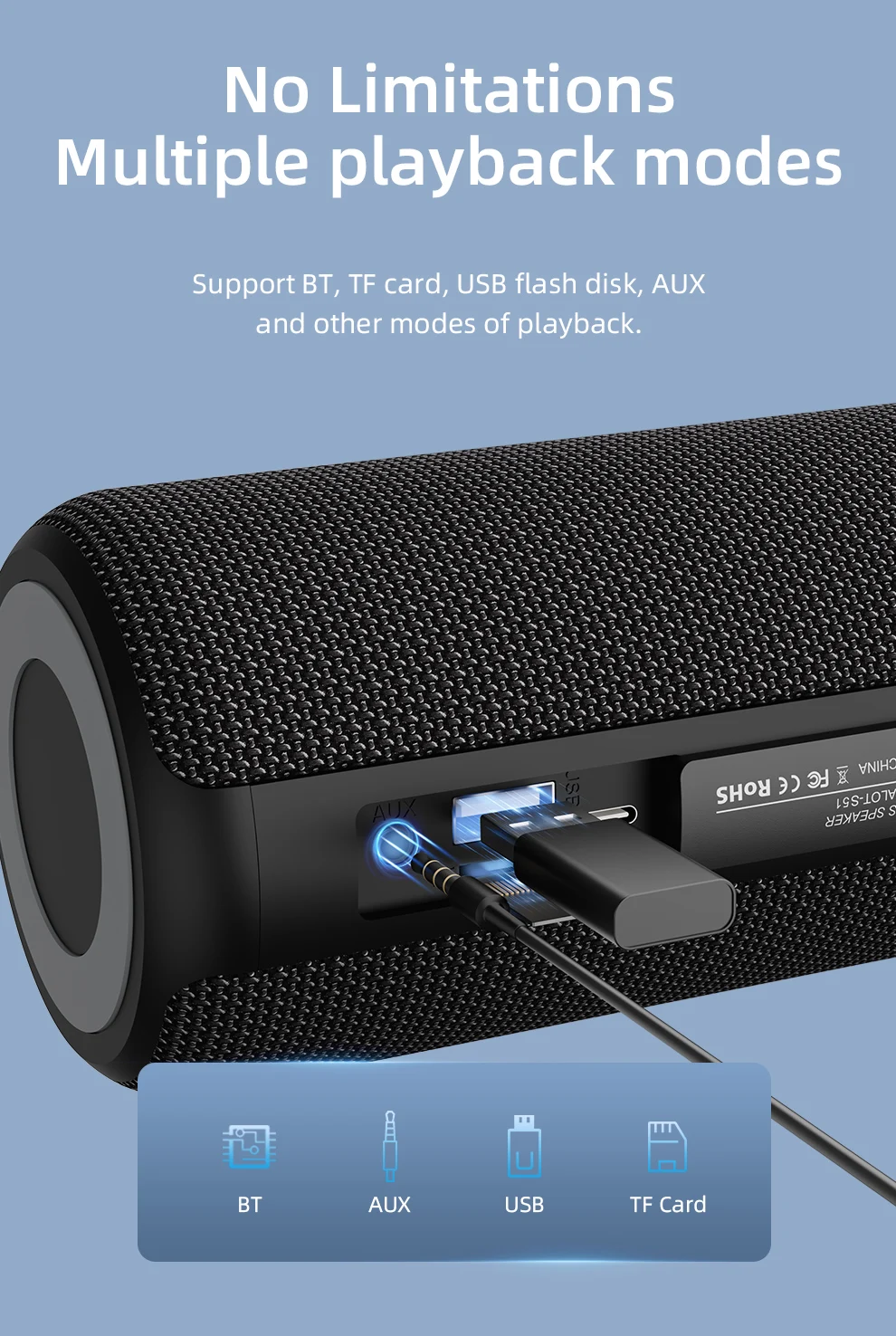
Input/Output: AUX
Intelligent Personal Assistant: None
Material: Plastic
Number of Loudspeaker Enclosure: 1
Origin: Mainland China
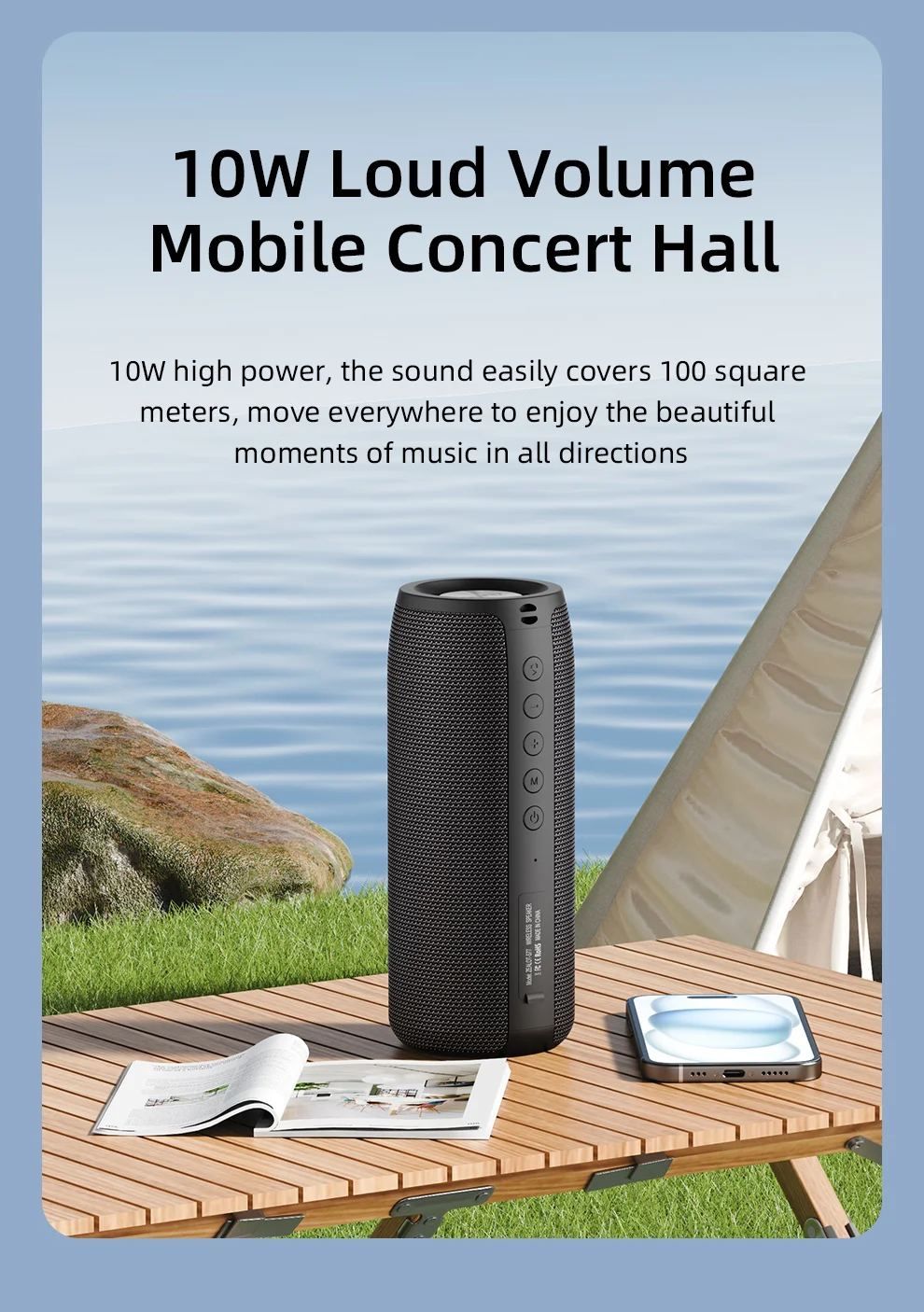
PMPO: 10 W
Playback Function: MP3
Power Source: Battery,Battery
Remote Control: No
Sensivity: 10
Sound Mode: Stereo Sound Mode
Speaker Type: Portable
Support APP: No
Support Apt-x: No
Support Memory Card: Yes
Total Harmonic Distortion: 1
Tweeter type: HORN
Use: Home
Voice Control: No
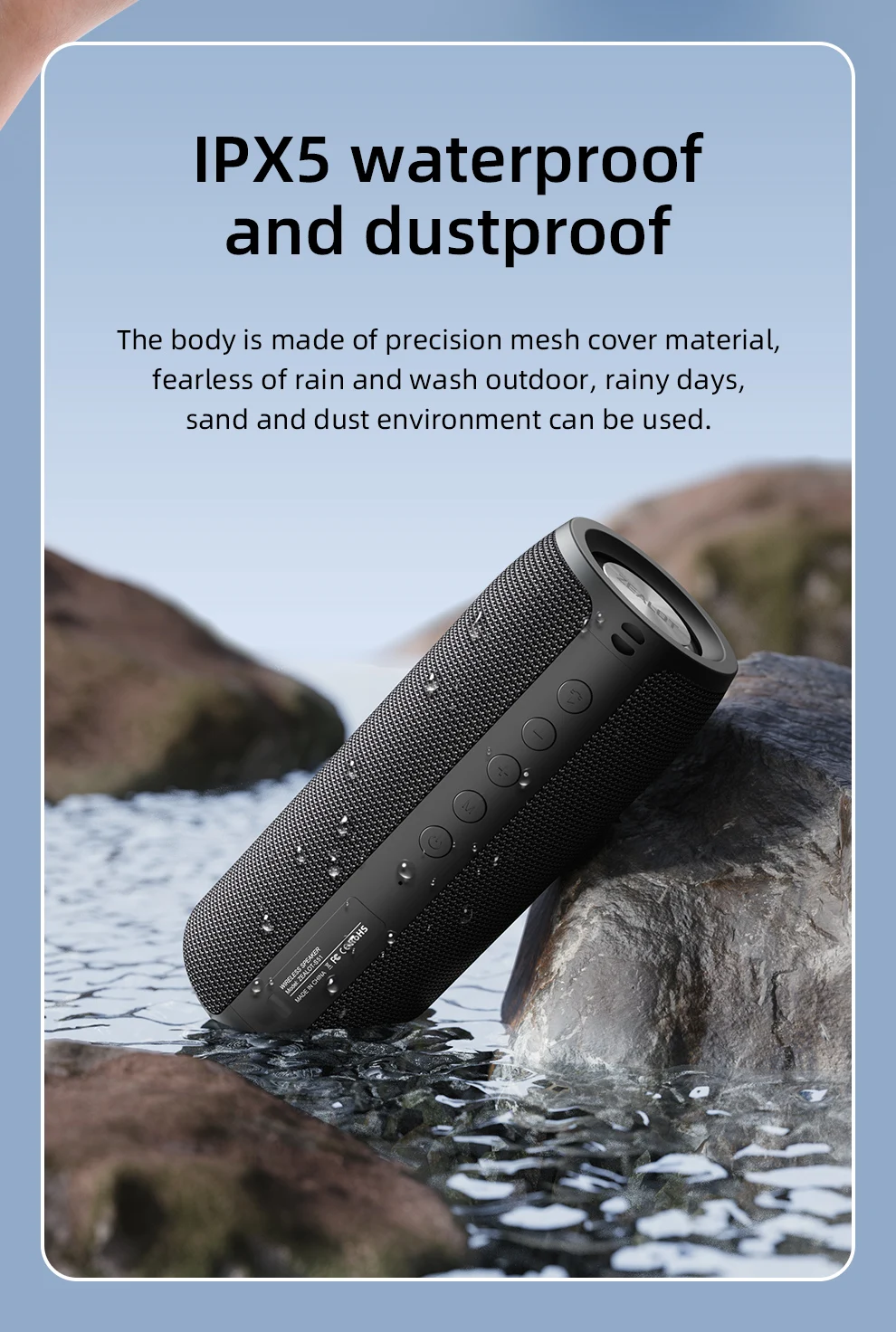
Waterproof: Yes
ZEALOT Model: S51
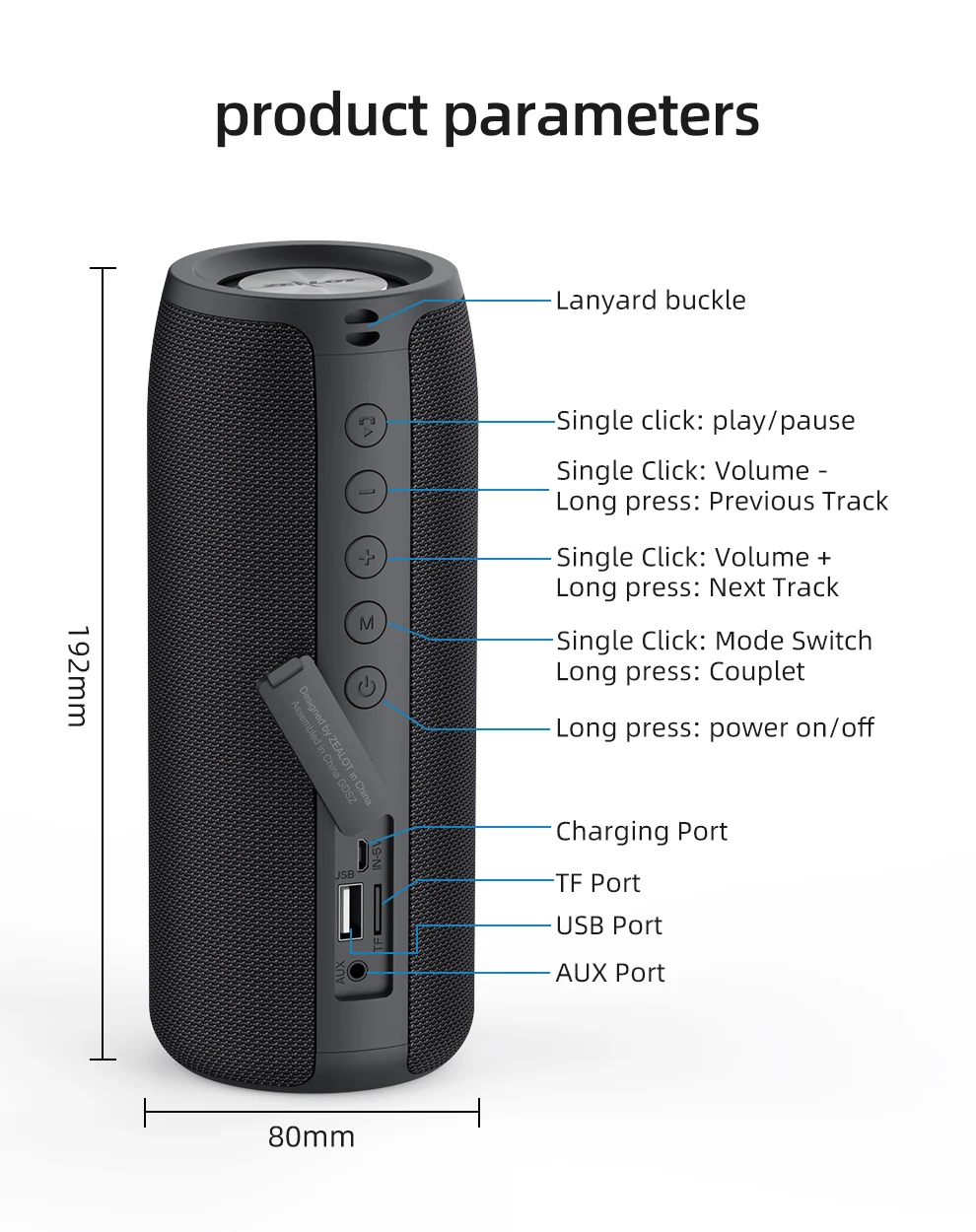
SIZE
Selling Point
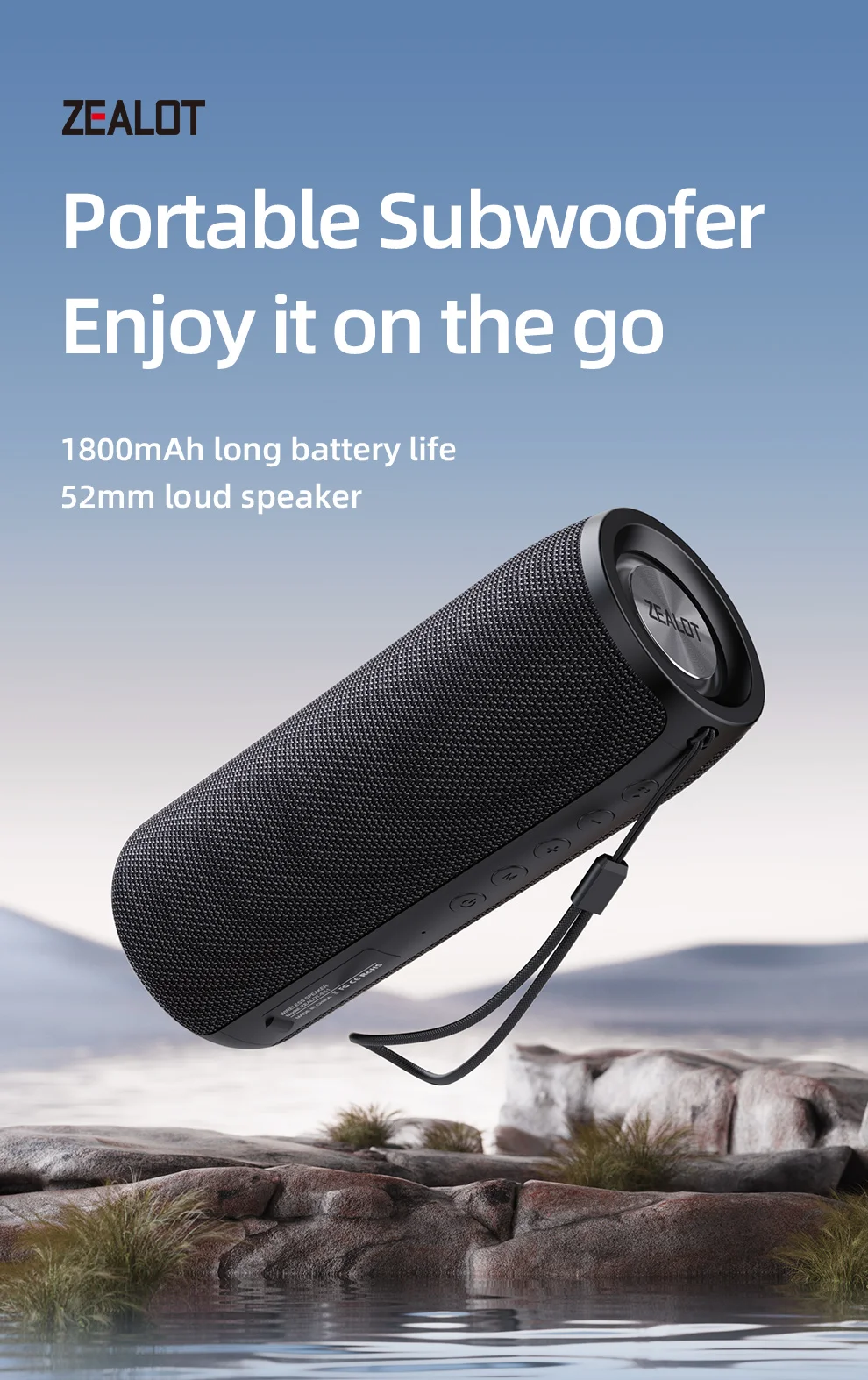
Battery capacity: 1800mAh lithium battery
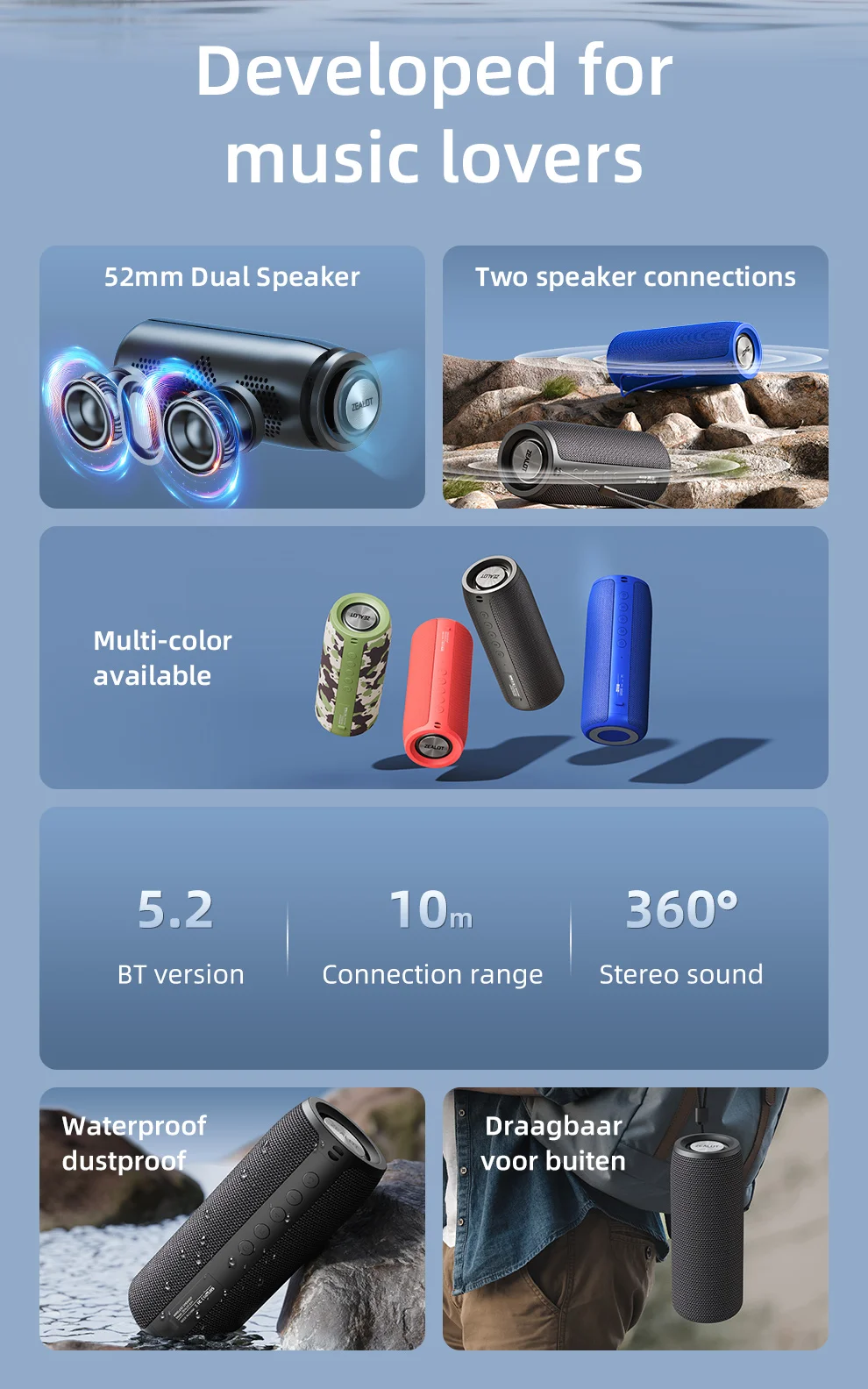
Bluetooth version: 5.2
Speaker: 10W
Transmission distance: about 10m
Frequency response: 100Hz-20KHz
Signal to noise ratio: ≥90dB
Working voltage: 3.7V
Distortion: <1%
Charging voltage: DC5V
Charging port: Micro USB
Talk time: about 6h
Music playback: about 8h
Standby time: ≥30 days
Charging time: about 2.5h
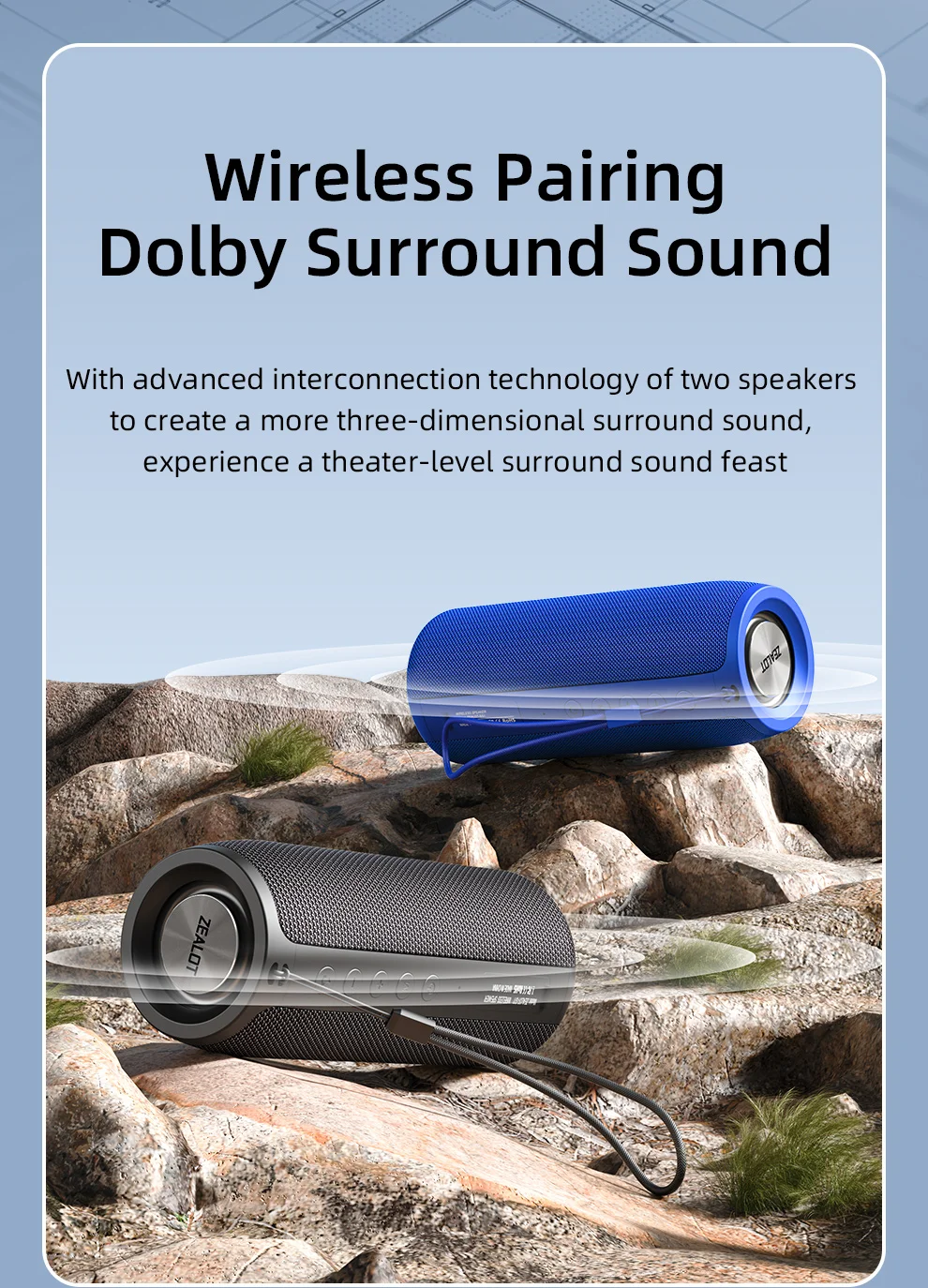
TWS:Turn on both speakers at the same time, then long press the "M" key

Standard Package :
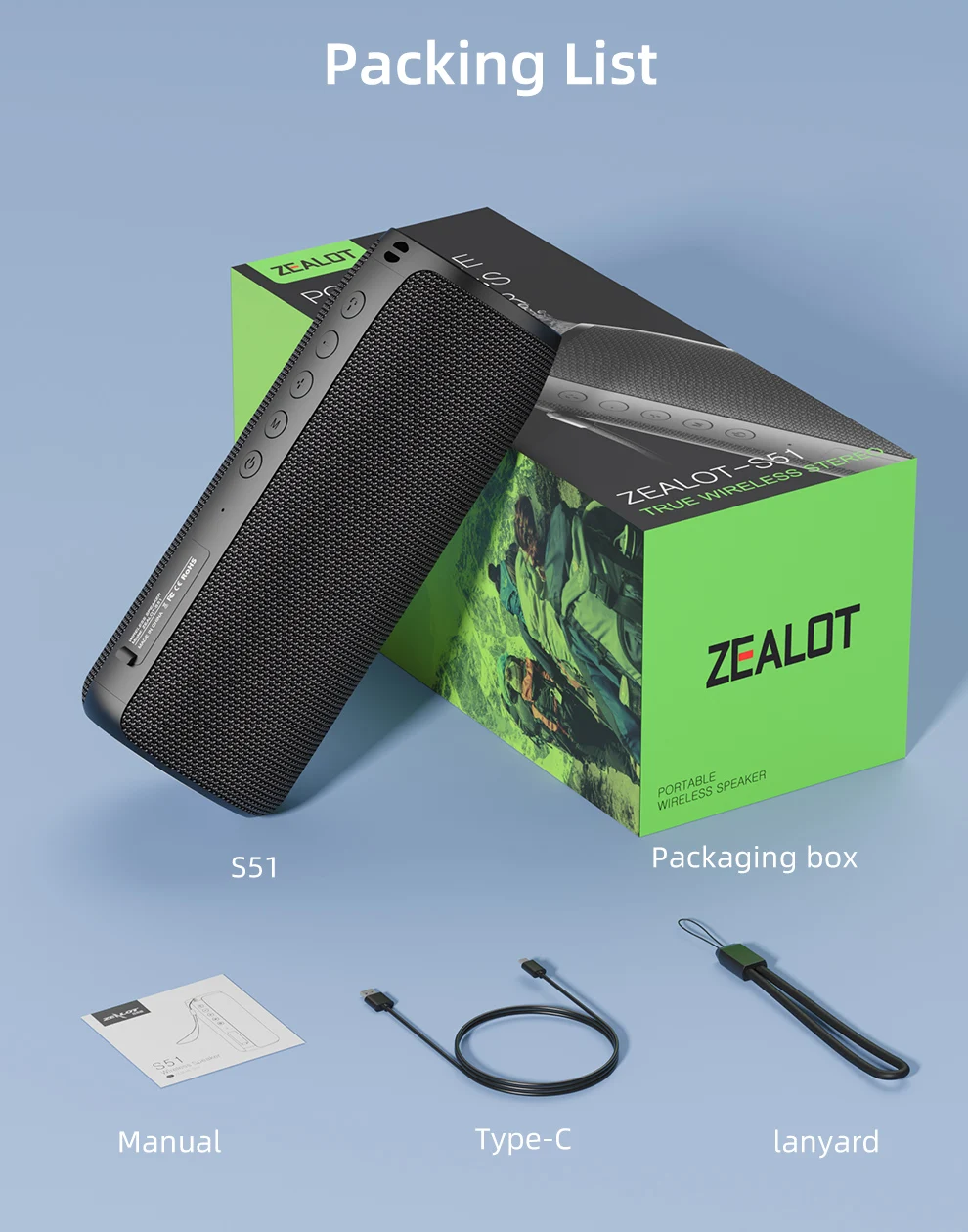
1 x Zealot S51 bluetooth speaker in gift box
1 x Charging cable
1 x User manual
BRAND INTRODUCTION
Zealot Digital Technology Co., Ltd., established in August 2010, is a high-tech enterprise that has been committed to the field of digital products for a long time, integrating R&D,production, sales and service. The company takes market demand as the starting point, seeks innovation, promotes development, and achieves customer needs with the awareness of sincere cooperation and the service concept of improving the quality of life of the public. The products are popular in the digital audio-visual market with their advanced technology, first-class quality, exquisite and fashionable appearance, and considerate after-sales service.
FAQ
1, What should I do if I can't turn on my computer?
After receiving the speaker, please charge it first, and then it can usually turn on normally.
2, What should I do if I can't charge the battery?
Sometimes the battery may be in a state of waiting to be activated due to low temperature and other conditions. Usually, after continuous charging for 1 hour, the charging status will return to normal.
3, What should I do if the sound cannot be output?
Usually it's a formatting issue when playing music. Please adjust the music format to MP3.
4, What should I do if I can't connect or pair with Bluetooth?
Please disconnect other Bluetooth devices on your phone first, and then search for devices to connect.
5, What should I do if there is no sound after Bluetooth connection?
Please check if the speaker volume and phone volume have been adjusted to the lowest level. If there is no problem with the volume, please check if music is playing on the phone.
6, What should I do if I can't adjust the volume?
Please check if the volume of the speaker is already at its maximum. If both the phone and speaker are at their maximum volume, it is impossible to adjust it.
7, What should I do if I can't connect the microphone?
At present, only S32 and S53 models have built-in microphone function, while other models do not have built-in microphone. If you really need it, please choose the model with microphone.
8, What should I do if my SD card is not recognized?
Usually it's a format issue with the storage card. The storage card needs to be adjusted to FAT32, and music usually needs to be adjusted to MP3 format so that it can be recognized properly.
9, How to connect to TV?
Usually, it can be connected to a TV through an AUX data cable.
10, How to set the standalone working mode?
As long as the mode you choose works properly, it usually does not actively switch modes, such as MP3 mode. If you cannot read music continuously, it will automatically switch to a mode that can be used normally.
FAQs
How to buy a product?
Browse our products, select your desired item, add it to cart, and proceed to checkout. Complete your order by providing shipping and payment details.
How can I make a refund from your website?
If you’re eligible for a refund, contact our support team with your order details. We’ll guide you through the refund process quickly.
I am a new user. How should I start?
Simply explore our store, choose products you like, and place an order. No account is required, but creating one helps track orders easily.
Are my details secured?
Yes. We use secure encryption and trusted payment gateways to protect your personal and payment information at all times.
How do I make payment by my credit card?
At checkout, select credit card payment, enter your card details securely, and confirm the payment to complete your order.